
Record Lectures and Meetings with Consent: A Practical Guide for Android
Recording a lecture or a meeting can help you study, write accurate notes and follow up on decisions. It only works when it is done openly and with permission. This guide covers how to ask, how to record well, and how to look after the recording afterwards.
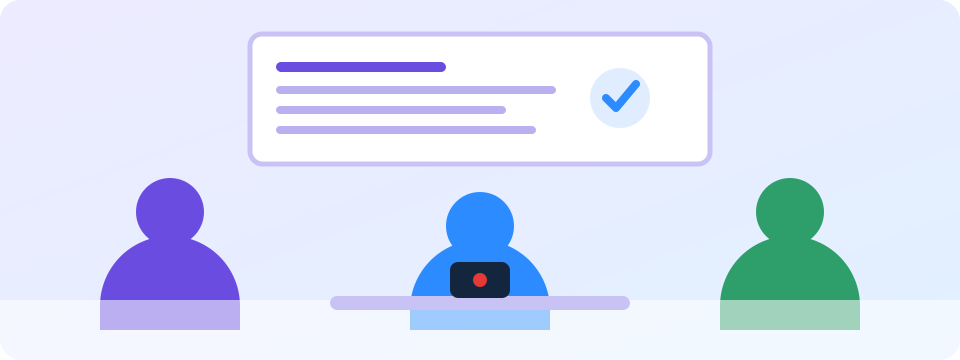
Ask permission first
- Ask the speaker or the person leading. Say what you will use the recording for, and that it is only for your own notes if that is true.
- Check the rules. Schools, universities and workplaces often have a recording policy. Follow it.
- Know the law. In some places, recording a conversation needs everyone’s consent. In others, you can record a conversation you are part of. Check your local rules, or ask a lawyer if you are unsure.
- Get it in writing when it matters, for example for a formal meeting.
A simple way to ask: “Do you mind if I record this session for my own notes?”
Record well
- Place the phone where its microphone can pick up the speaker clearly, and where nobody will knock it.
- Start before the session so you don’t miss the opening.
- Do a short test and play it back to check the sound.
- Keep the screen off. It saves battery and keeps the phone from distracting you or others.
- Use pause from the notification during breaks.
- Use segmented recording for long sessions, so the video is saved in parts.
Look after the recording
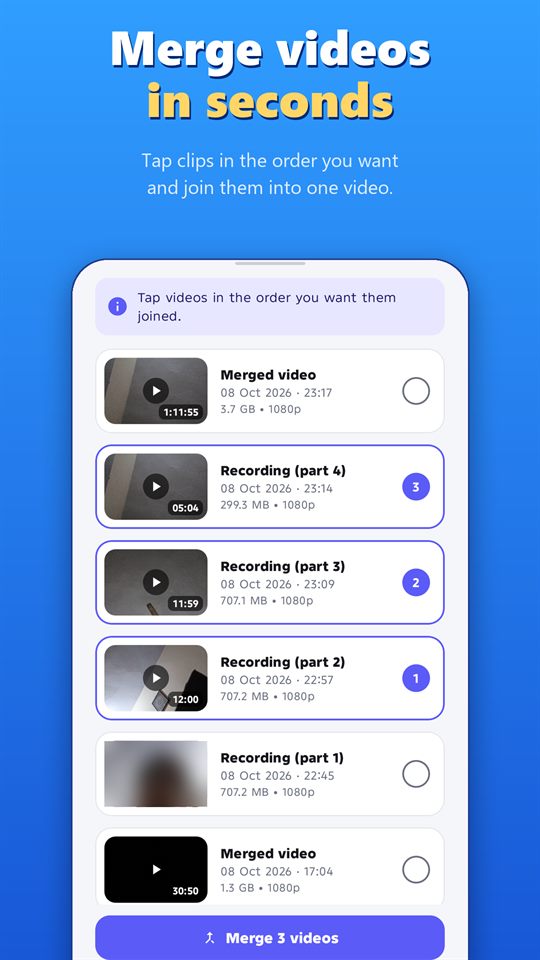
- Trim and join. Cut out breaks and merge the parts into one video.
- Keep it private. Use the fingerprint or PIN app lock.
- Share only with permission. Don’t post or send a recording of other people without their agreement.
- Delete it when you no longer need it. Auto-delete can help.
Record responsibly
Record only where it is legal, and with the consent of the people being recorded where the law or good manners require it. Laws differ by country and region. Android shows a notification while the app records, and the app can’t hide it. Never use any recorder to follow, harass or spy on someone.
Frequently asked questions
Is it okay to record without telling anyone?
No. Ask permission first. Laws and policies differ, and recording people without their knowledge can break the law or the rules of your school or workplace.
Can I share a recording of a lecture?
Only with the permission of the people in it, and the rules of your school or workplace.
Which camera should I use?
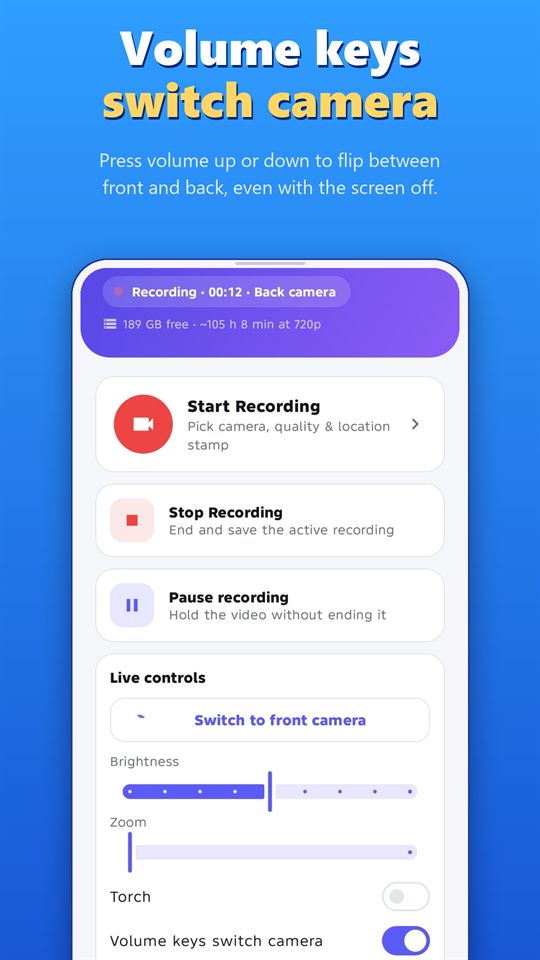
Either. The back camera usually has the wider view. You can switch between front and back, even with the screen off, using the volume keys.
Will the recording continue if my phone locks?
Yes. That is what the app is for. Android shows a notification while it records.
More guides for Off Screen Video Recorder
- How to Record Video with the Screen Off on Android
- Dash Cam Style Recording with Your Phone
- GPS-Stamped Videos for Inspections and Deliveries
- How to Merge and Trim Videos on Android
- One-Tap Recording: Quick Settings Tile and Volume Keys
- Women's Safety App: How a Background Video Recorder Helps Document Harassment
Download
Get the free Off Screen Video Recorder on Google Play.
Published on Google Play by Safe Vision. Read the privacy policy. More about the app: Off Screen Video Recorder.